WhatsApp Us
Project Management

Microsoft Project

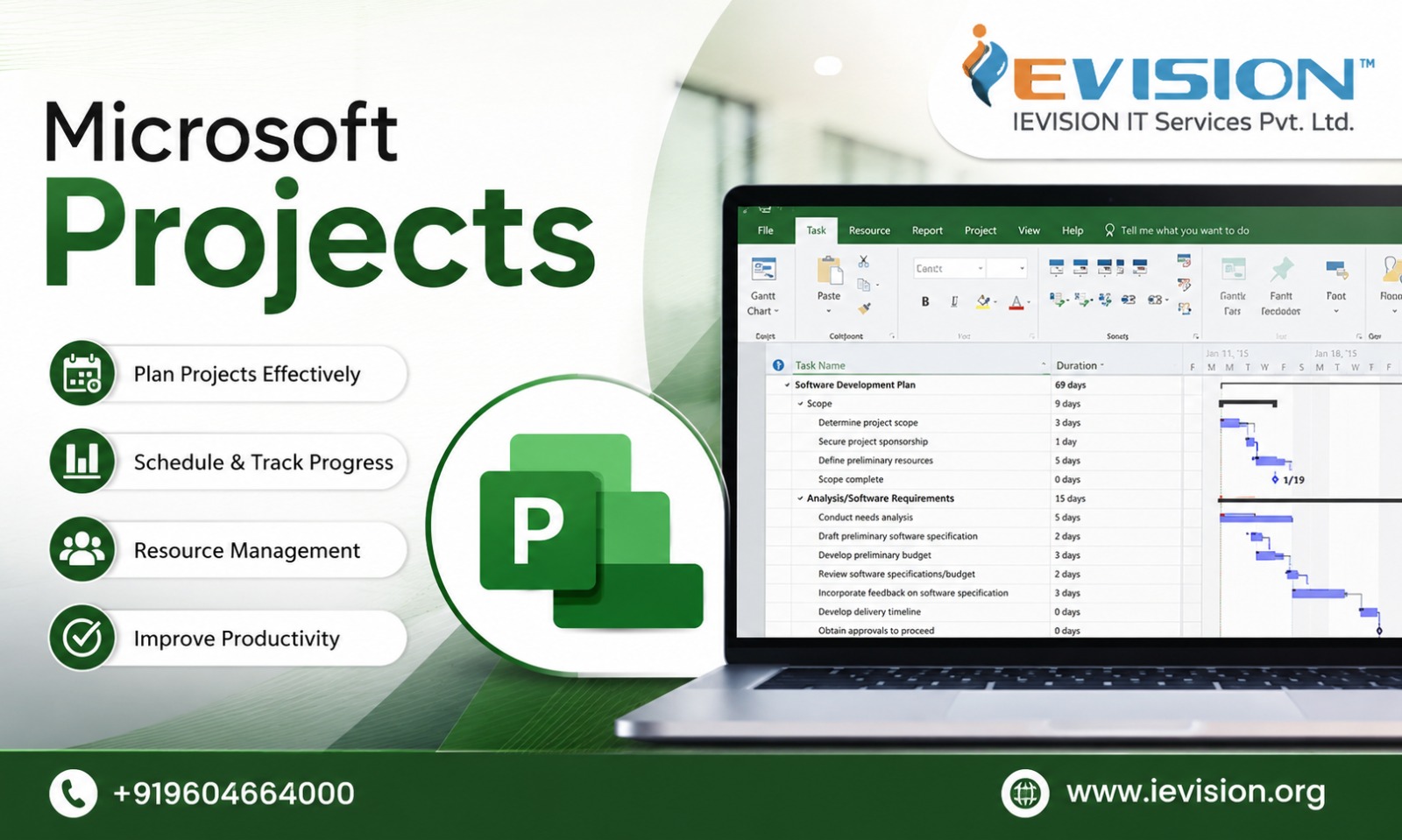
This MSP Training program provides hands-on experience with project scheduling, Gantt charts, critical path analysis, resource management, cost tracking, reporting dashboards, and project performance monitoring. The course is designed for both beginners and experienced project professionals seeking Microsoft Project Certification to enhance their career prospects.

16 Hours Comprehensive Microsoft Project Training
Real-Time Project Simulations
Advanced Scheduling & Resource Optimization
Budget & Cost Management Practice
Certification-Oriented Preparation
4.9/5
2,100+ reviews
12,400+
Students
95%
Placement

Course Video

Microsoft Project video preview
Microsoft Project
Course video will be available soon.

Course Overview

Microsoft Project, commonly known as MSP, is a powerful project management software developed by Microsoft. It helps project managers and professionals plan projects, create schedules, manage resources, track costs, monitor progress, and deliver projects successfully.

Our Microsoft Project Training provides practical, hands-on skills to manage real-world projects using professional project planning and scheduling techniques.

Why Learn Microsoft Project?

  • Create detailed project plans and schedules
  • Develop professional Gantt Charts
  • Manage tasks, milestones, and dependencies
  • Perform Critical Path Analysis
  • Allocate and optimize project resources
  • Track project costs and budgets
  • Monitor project progress and performance
  • Create useful reports and dashboards
  • Improve control over timelines and deliverables
  • Support effective project decision-making

Microsoft Project skills are highly valuable across IT, construction, engineering, infrastructure, manufacturing, consulting, and enterprise transformation projects. This training is ideal for Project Managers, Project Coordinators, PMO Professionals, Planning Engineers, Team Leads, Consultants, and aspiring project management professionals.

Who Should Attend
  • Project Managers
  • Project Coordinators
  • Planning Engineers
  • Program Managers
  • Business Analysts
  • IT Professionals
  • Construction & Engineering Professionals
  • Fresh Graduates aspiring to enter project management

Course Highlights

16 Hours
Instructor-Led MSP Certification Training
30+ Yrs
Project Management Expert Trainer
100%
Certification Exam Focused Preparation
60%
Practical Case Studies & Real-Time Project Scenarios

Batch Schedules

Pick a cohort that matches your availability. Limited seats per batch to ensure hands-on mentor support and lab guidance.

New batches will be announced soon
Stay tuned
Upcoming schedule information is not available yet.

Course Curriculum

Module 1: Introduction to Microsoft Project
  • Overview of project management using Microsoft Project
  • Microsoft Project editions and interface overview
  • Understanding Ribbon, Views, Tables, Timeline and Gantt Chart
  • Project lifecycle and scheduling concepts
  • Manual vs Auto Scheduled Tasks
  • Understanding Project, Task and Resource Calendars
Module 2: Creating and Configuring a New Project
  • Define project start date
  • Configure project information
  • Set working and non-working days
  • Create custom project calendars
  • Configure working hours, holidays and exceptions
  • Scheduling from project start date vs finish date
Module 3: Work Breakdown Structure (WBS) and Task Planning
  • Understanding WBS concepts
  • Creating summary tasks and subtasks
  • Entering tasks and milestones
  • Task duration estimation
  • Recurring tasks
  • Task notes and hyperlinks
  • Creating WBS hierarchy using indent/outdent
  • Using task codes and custom fields
Module 4: Task Dependencies and Network Logic
  • Understanding task relationships
  • Finish-to-Start (FS)
  • Start-to-Start (SS)
  • Finish-to-Finish (FF)
  • Start-to-Finish (SF)
  • Creating task dependencies
  • Lead and lag time
  • Constraints and deadlines
  • Flexible vs inflexible constraints
  • Identifying scheduling conflicts
Module 5: Resource Management
  • Understanding Work, Material and Cost resources
  • Creating a Resource Sheet
  • Assigning resources to tasks
  • Resource calendars and availability
  • Maximum units and part-time resources
  • Resource rates and cost tables
  • Understanding effort-driven scheduling
  • Task Type: Fixed Units, Fixed Work and Fixed Duration
  • Resource over-allocation basics
Module 6: Project Cost Planning
  • Setting standard and overtime rates
  • Fixed costs and variable costs
  • Material resource costs
  • Cost per use
  • Task-level cost planning
  • Reviewing project cost summary
  • Understanding planned project budget
Module 7: Advanced Scheduling and Critical Path Analysis
  • Understanding Critical Path Method (CPM)
  • Critical vs non-critical tasks
  • Total Slack and Free Slack
  • Identifying schedule drivers
  • Multiple critical paths
  • Deadline analysis
  • Schedule optimization techniques
  • Fast tracking and crashing concepts
  • Network Diagram view
Module 8: Resource Leveling and Workload Optimization
  • Identifying overallocated resources
  • Resource Usage view
  • Task Usage view
  • Team Planner overview
  • Resource leveling options
  • Automatic vs manual leveling
  • Leveling within available slack
  • Resolving workload conflicts
  • Reassigning and replacing resources
Module 9: Baseline Management
  • Purpose of project baselines
  • Saving a baseline
  • Baseline Start and Finish
  • Baseline Work and Cost
  • Multiple baselines
  • Interim plans
  • Viewing baseline data
  • Tracking Gantt
  • Baseline variance analysis
Module 10: Project Progress Tracking and Updating
  • Setting status date
  • Updating task completion percentage
  • Actual Start and Actual Finish
  • Actual Duration and Remaining Duration
  • Actual Work and Remaining Work
  • Updating milestones
  • Rescheduling incomplete work
  • Tracking delayed tasks
  • Understanding schedule variance
Module 11: Earned Value Management (EVM)
  • Introduction to Earned Value Analysis
  • Planned Value (PV / BCWS)
  • Earned Value (EV / BCWP)
  • Actual Cost (AC / ACWP)
  • Schedule Variance (SV)
  • Cost Variance (CV)
  • Schedule Performance Index (SPI)
  • Cost Performance Index (CPI)
  • Estimate at Completion overview
  • Interpreting project performance
Module 12: Views, Filters, Tables and Customization
  • Using Gantt Chart and Tracking Gantt
  • Calendar View
  • Network Diagram
  • Resource Sheet
  • Resource Usage
  • Task Usage
  • Applying built-in filters
  • Creating custom filters
  • Grouping and sorting
  • Custom tables
  • Custom fields
  • Graphical indicators
Module 13: Reports and Management Dashboards
  • Built-in project reports
  • Project Overview
  • Cost Overview
  • Resource Overview
  • Burndown reports
  • Dashboard reports
  • Creating custom reports
  • Charts and tables
  • Visual reporting
  • Timeline presentation for management
  • Printing and exporting project reports
Module 14: Multi-Project Management and Best Practices
  • Master projects and subprojects
  • Linking projects
  • Shared resource pools
  • Managing multiple projects
  • Consolidated reporting
  • Project templates
  • Creating reusable project plans
  • Version control and project governance
  • Scheduling best practices
  • Common Microsoft Project mistakes
Career Growth Focus

Career Outcomes That Matter

Go from learning to earning with role-aligned outcomes, practical skill-building, and employer-ready positioning.
Talk to a Career Advisor
Career outcome details will be updated soon for this course.
GET THE APPLIED Microsoft Project CERTIFICATION

Earn the Coveted Applied Microsoft Project Certification

Sample certificate will be available soon.
Sample Certificate (JPG / PNG)

Meet Your Instructors

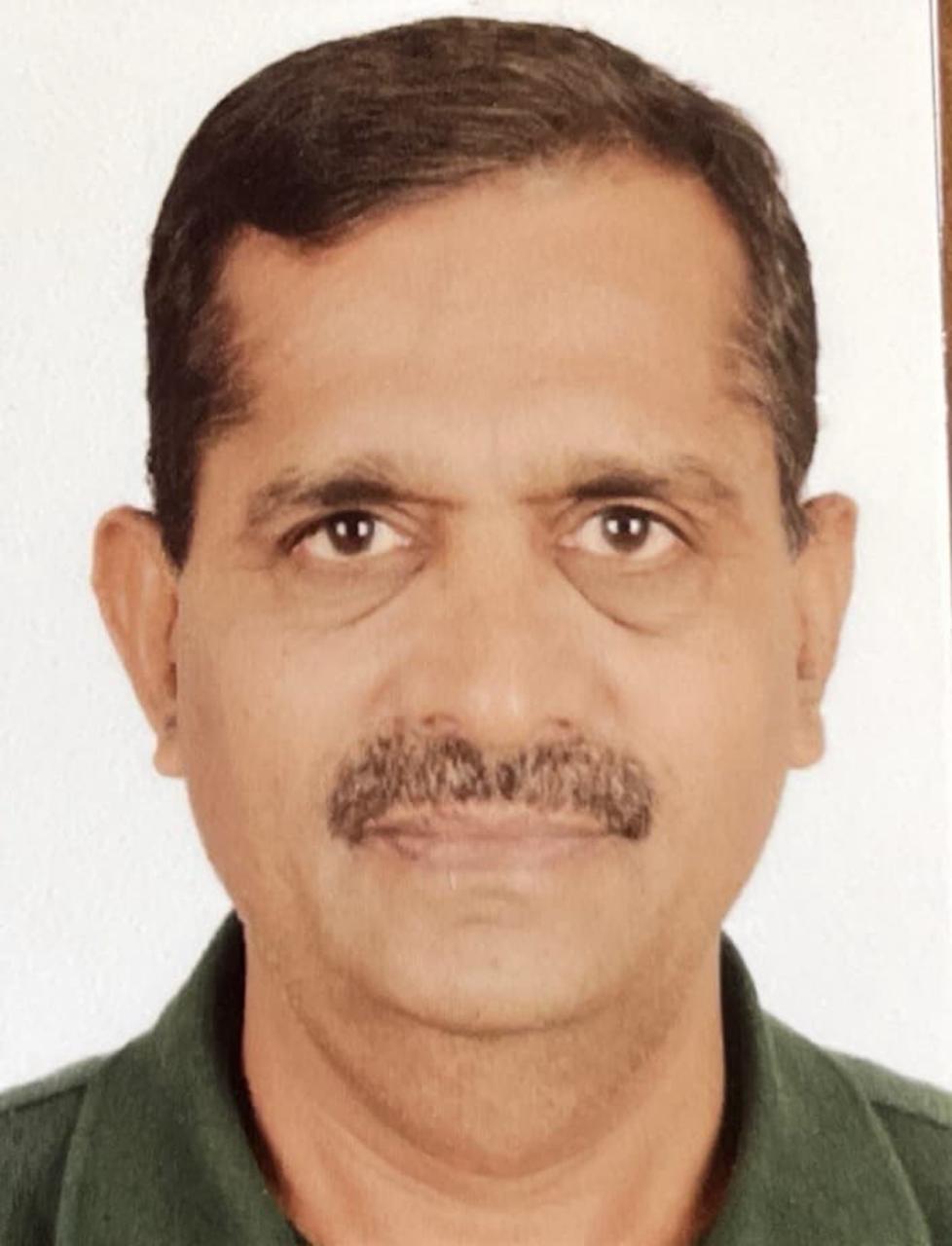
Shyam Sir
Shyam Sir
Project Management
Shyam Sir is a highly experienced Project Management and IT professional with strong expertise in delivering PMP® Certification Tr...
India 5.0/5

Our Learners Love Us

Approved learner reviews will appear here after students submit feedback.

Frequently Asked Questions

FAQs will be added soon
We will update this section with course-specific frequently asked questions soon.

Have a Query? We're Just a Message Away.

Why IEVISION

Why Choose IEVISION?

We go beyond teaching, we build careers.

Expert-Led Live Training

Learn from industry practitioners with 10-20 years of real-world experience across enterprise teams.

Globally Recognized Certifications

Train for leading certifications across cybersecurity, cloud, AI, and governance tracks.

Placement Assistance

Get resume reviews, mock interviews, and personalized support for role transitions and growth.

Hands-on Lab Access

Practice with guided labs, projects, and sandbox exercises aligned to real implementation scenarios.

Flexible Learning Options

Choose from live weekend, weekday, and fast-track formats based on your availability.

24/7 Learner Support

Stay supported with trainer access, learner community help, and dedicated coordination assistance.